LinkedIn Post Planner: The Practical Tool for Your Content Strategy
If you’re managing a professional brand or business on LinkedIn, you know that consistency is key, but finding the time and creative energy to post regularly can be a real challenge. This is where the concept of a LinkedIn Post Planner comes into play. Essentially, it’s a structured system—often a physical planner or a digital template—designed to help you brainstorm, schedule, and organize your LinkedIn content over a set period. It turns the daunting task of daily posting into a manageable project.
Who Actually Needs a LinkedIn Post Planner?
The beauty of a LinkedIn Post Planner is its adaptability. It’s not just for one type of user. Consider the solopreneur, a consultant or freelance designer. Their LinkedIn profile is their primary storefront. A planner helps them alternate between showcasing client work, sharing industry insights, and posting personal career reflections without last-minute scrambling. It ensures their profile doesn’t go silent during busy project weeks.
For small business teams, a shared planner can be a game-changer. The marketing lead might plot out major campaign announcements, while the sales manager can schedule posts highlighting customer success stories. This coordinated approach prevents internal chaos and presents a unified, professional face to the world. Even career-focused individuals not actively selling a service use these planners. Someone aiming for a new role might plan posts to demonstrate thought leadership: a Monday article share, a Wednesday commentary on a industry trend, a Friday reflection on a professional skill.
Real-World Scenarios: From Blank Slate to Active Calendar
Imagine a week where you have a product launch, an industry conference, and a company anniversary. Without a plan, you might post about all three on the same day, overwhelming your audience. A LinkedIn Post Planner lets you space these out, build anticipation for the launch, share live insights from the conference, and celebrate the anniversary separately, maximizing engagement for each event.
Another common scenario is content drought. You’ve exhausted your immediate ideas. A planner often includes brainstorming prompts or themed categories—like “Case Study Tuesday” or “Industry News Thursday”—that push you to think beyond your usual posts. It forces you to look for content in different places, perhaps turning a recent client challenge into a valuable lesson-share post you wouldn’t have considered otherwise.
Practical Considerations Before Using a Planner
While the idea is straightforward, success depends on a few practical choices. First, consider format. Do you prefer a physical notebook you can scribble in, or a digital spreadsheet you can share with colleagues? Your workflow will decide this. Second, think about your planning horizon. Are you plotting a intense 30-day campaign, or building a sustainable habit over 120 days? The scale of your planner should match your goal.
Perhaps the most important consideration is flexibility. The best planners are guides, not rigid dictators. LinkedIn is a live platform; if a major relevant news event happens, you should be able to deviate from your scheduled post to comment on it. A good planner has space for these spontaneous “inserts” without derailing your entire structure. Also, be honest about your capacity. Filling a 120-page planner with daily unique posts might be unrealistic. Maybe your plan includes two original posts and three curated shares per week. Start with a sustainable rhythm.
The Tangible Product: KDP Interiors and Ready-to-Publish Files
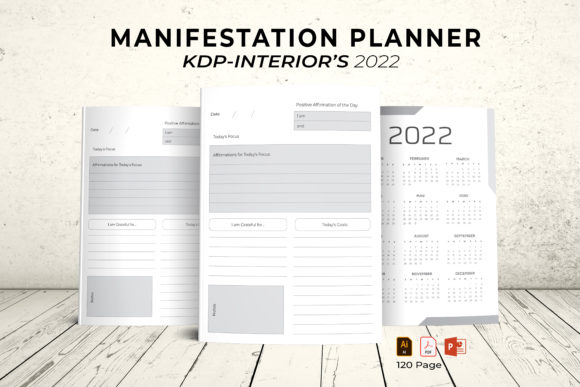
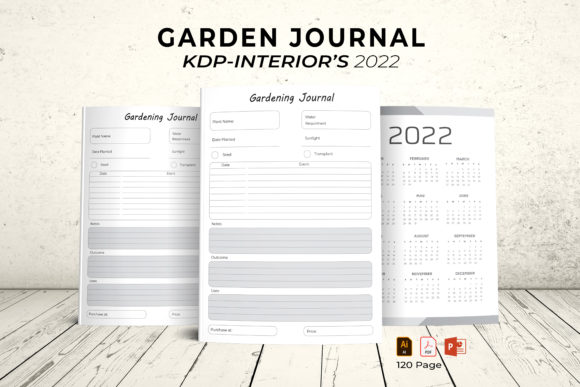
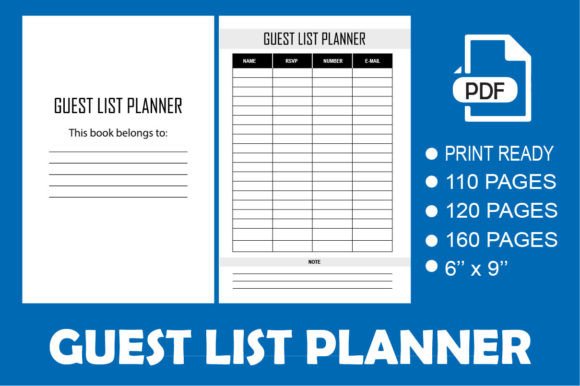
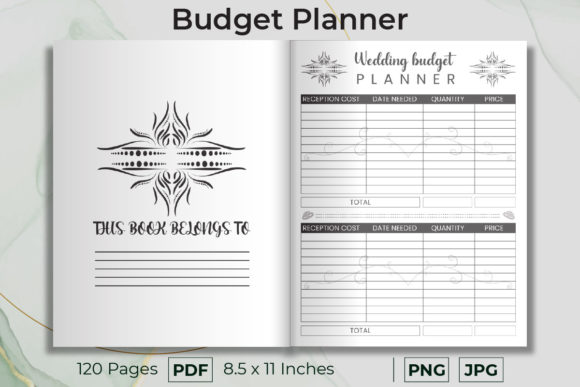
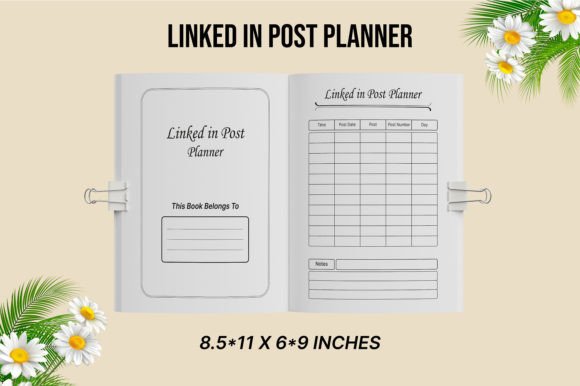
For creators and designers, the term “LinkedIn Post Planner” also refers to a practical product—a professionally designed interior template ready for publishing on platforms like Amazon KDP (Kindle Direct Publishing). These are high-quality, print-ready PDF files crafted to specific technical requirements. They typically include features like a 0.25-inch bleed area, CMYK color mode for accurate printing, and 300 DPI resolution for crisp clarity. Available in common sizes like 6x9 or 8.5x11 inches, these 120-page templates provide a ready-made structure.
This is immensely useful for entrepreneurs who want to sell physical planners or printables. Instead of spending weeks designing page layouts, margins, and bleed areas, they can upload a provided PDF/JPG file directly to KDP, ensuring it meets all Amazon specifications for professional printing. The product includes both the PDF and JPG files, offering flexibility for different uses. It’s a solution that turns a creative idea—selling a content planner—into a finished, marketable product with minimal technical hassle.
Strengths and Natural Limitations
The core strength of using a LinkedIn Post Planner, whether as a method or a product, is clarity and reduction of cognitive load. It externalizes your content strategy from your brain onto paper or screen, freeing you up to execute. It also promotes variety. By visually mapping out your week, you can see if you’re posting only links, or only text, and deliberately mix in videos, polls, or image-based posts.
A potential limitation is the risk of becoming too mechanical. If your planned posts feel generic or lack genuine engagement because you’re just “filling a slot,” the tool has backfired. The planner should serve your authentic voice, not replace it. Also, a pre-designed KDP interior, while technically perfect, needs to align with your brand’s visual aesthetic. Its structure is fixed, so you must ensure its layout—the font choices, section headings, space for notes—matches what your target audience would find useful and appealing.
Ultimately, a LinkedIn Post Planner is less about the pages or files themselves and more about committing to a process. It’s for the professional who recognizes that their LinkedIn presence is an ongoing project, worthy of the same planning and resources as any other business activity. Whether you buy a ready-made template, download a digital sheet, or sketch one in a notebook, the act of planning transforms posting from a reactive chore into a strategic, and far more effective, professional practice.